
The Maharashtra State Board of Secondary and Higher Secondary Education (MSBSHSE) is expected to announce the SSC (Class 10) Result 2026 in the second or third week of May 2026. Students who appeared for the SSC Result 2026 Maharashtra Board can check their results online, via SMS, and through other official methods.
To help you navigate the process of How to Check SSC Result 2026? we have put together this comprehensive, step-by-step guide on how to check your marks via the official website, SMS, and mobile apps. Follow the step-by-step instructions below to avoid any confusion during result time.
How to Check SSC Result 2026 via Official Website?
Follow these simple steps to check your Maharashtra SSC Result 2026:
1) Go to the official Maharashtra Board result website using your browser on mobile or desktop.
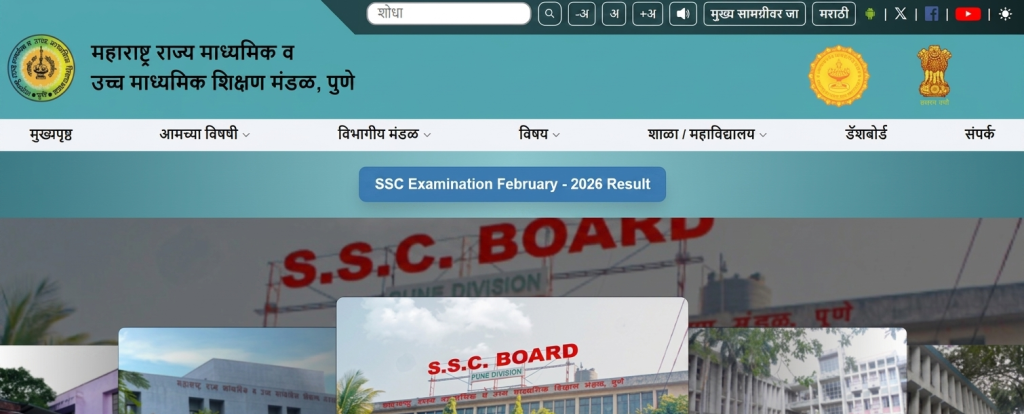
2) On the homepage, find and click on the link labeled “View SSC Result”.
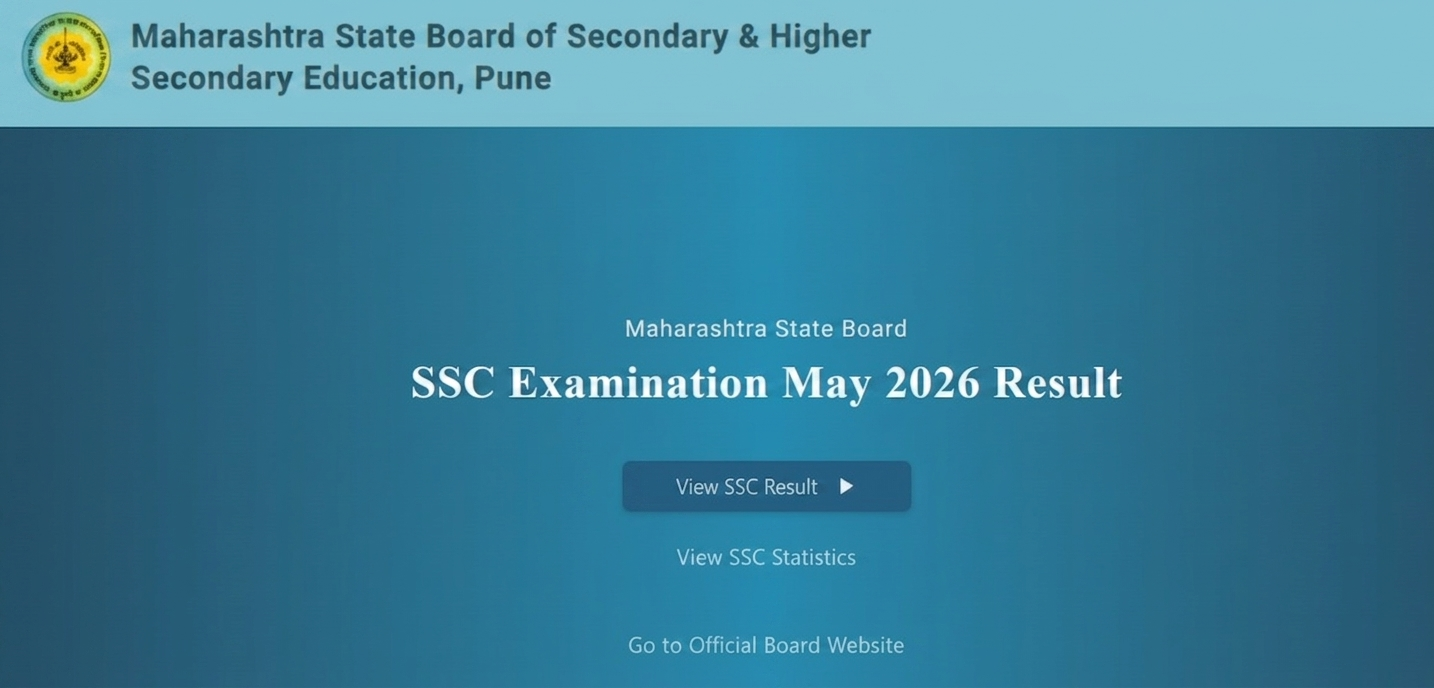
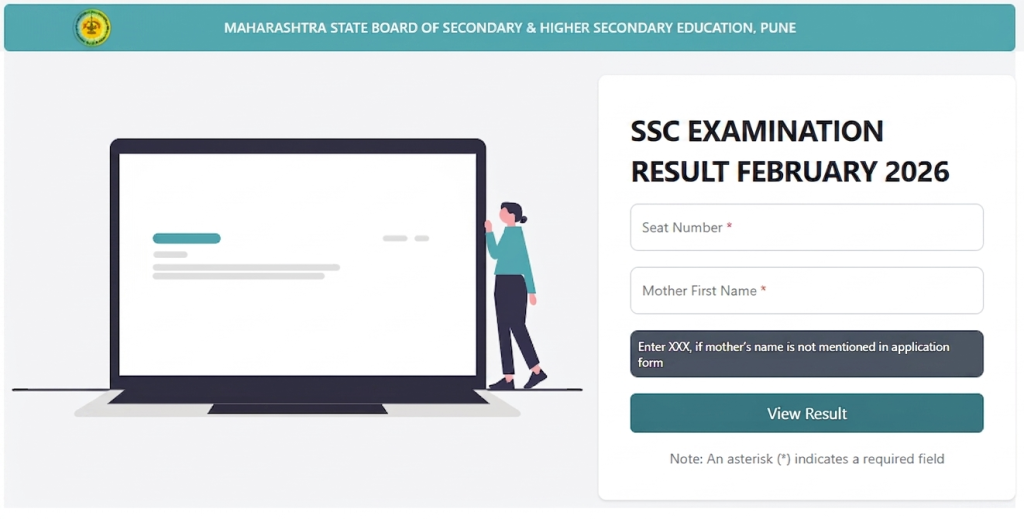
3) Carefully type your roll number exactly as mentioned on your admit card.
4) Enter your mother’s first name as required. If not available, you may need to follow the instructions given on the website.
5) After entering all details correctly, click on the View Result button.
6) Your result will be displayed on the screen, including subject-wise marks, total marks, and result status.
7) It is recommended to download the result or take a screenshot for future reference until you receive the original marksheet.
How to Check SSC Result 2026 via SMS?
Follow these easy steps to receive your Maharashtra SSC Result 2026 through SMS:
1) Open the SMS App on Your Mobile Phone.
2) Type the SMS in the below Format
MHSSC <Seat Number>
(Example: MHSSC 123456)
3) Send this SMS to the Official Number 57766
4) Within a few seconds or minutes, you will receive your result as a text message on your phone.
How to Check SSC Result 2026 via DigiLocker?
Apart from the official website and SMS, students can also check and download their SSC Result 2026 using DigiLocker. This method provides an official digital marksheet, which is valid for admissions and future use.
If you are searching for how to check SSC Result 2026 via DigiLocker, follow the step-by-step guide below.
Follow these simple steps to access your Maharashtra SSC Result 2026 on DigiLocker:
1) Open the official DigiLocker website or download the mobile app from the Play Store or App Store.
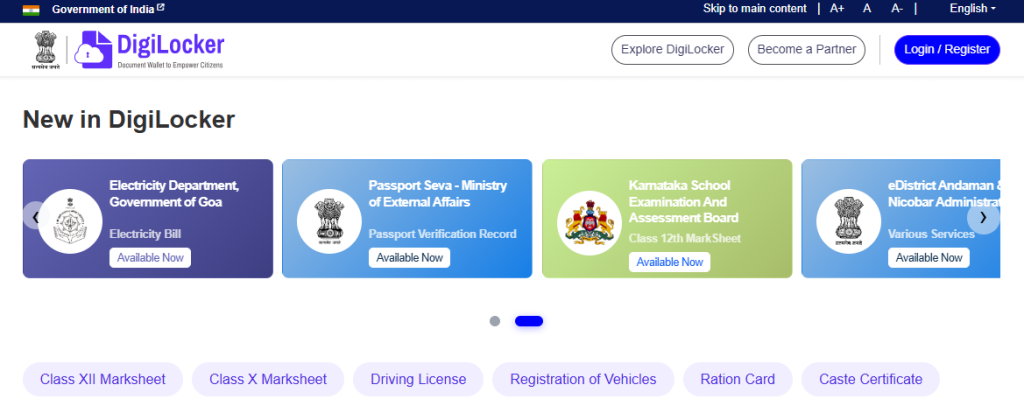
2) Log in using your registered mobile number or Aadhaar number. If you are a new user, complete the quick sign-up process.
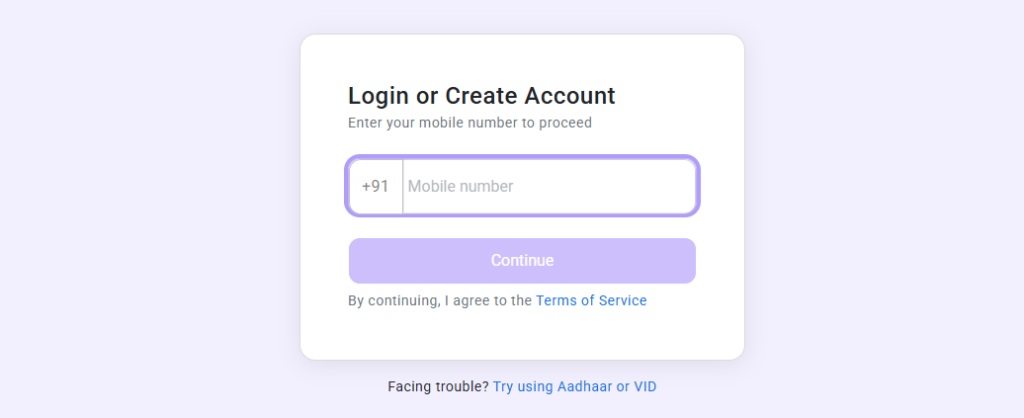
3) Use the search option and type “Maharashtra State Board of Secondary and Higher Secondary Education”.
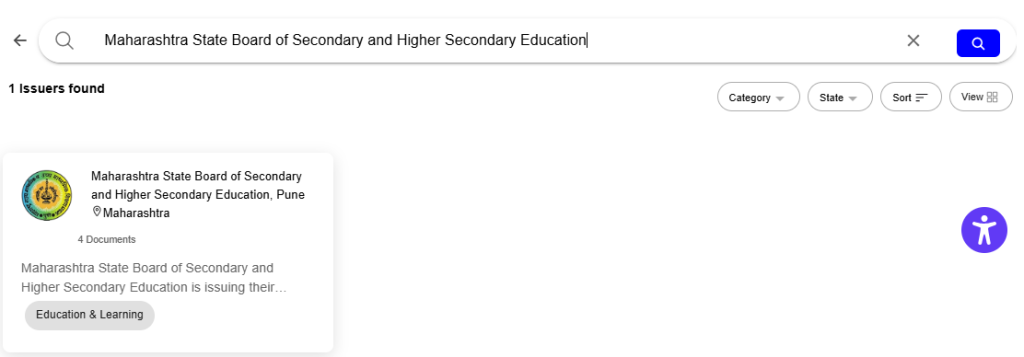
4) Choose Maharashtra State Board of Secondary and Higher Secondary Education from the list of education boards.
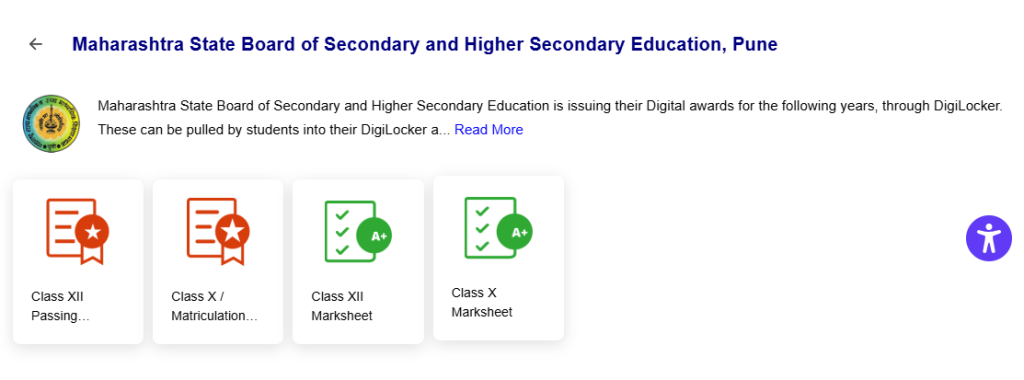
5) And now choose Class X Marksheet from Certificates list.
5) Fill in your roll number, year of passing, and other required details correctly and click on “Get Document”.
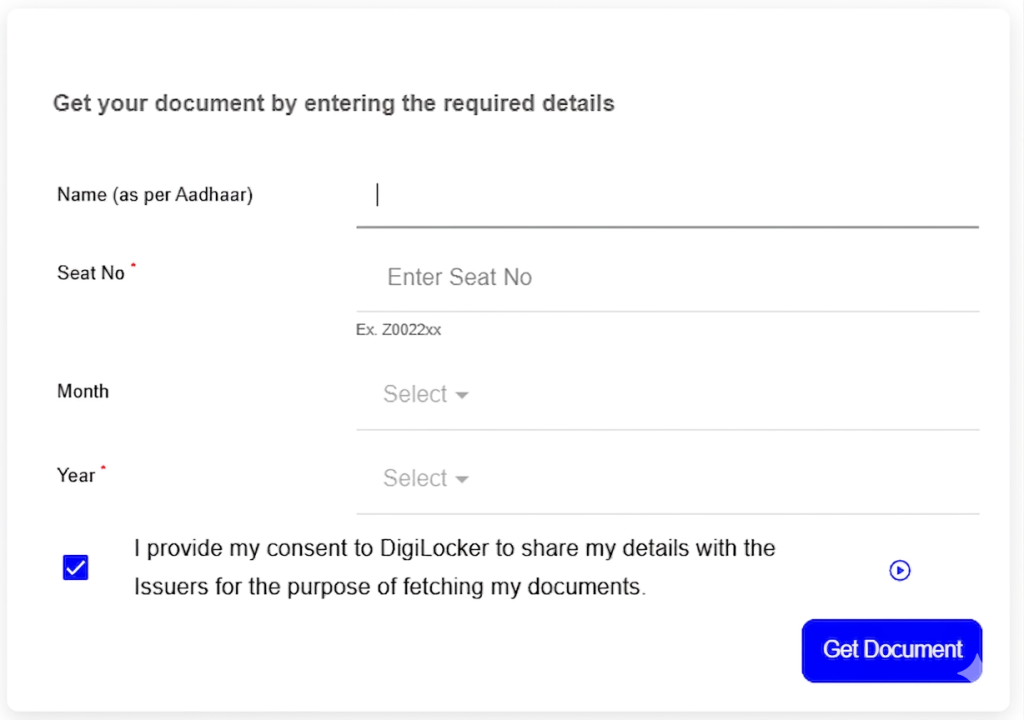
6) Your SSC Result 2026 marksheet will appear on the screen. You can download it or save it directly in your DigiLocker account.
Direct Links to Check SSC Result 2026
Use the direct links below to check your SSC Result 2026 Maharashtra Board quickly. If one website is slow, try alternative links.
- mahresult.nic.in (Official Portal)
- sscresult.mkcl.org (Alternative Link)
- mahahsscboard.in (Main Board Website)
FAQ’s – How to Check SSC Result 2026?
Q1. What is the easiest way to check SSC Result 2026?
Online method via official website is the easiest way to check SSC Result 2026.
Q2. Can I check SSC result without roll number?
No, roll number is required.
Q3. What if official website is not working?
Use SMS or alternative links given above.
Q4. Is DigiLocker marksheet valid?
Yes, it is officially valid.
Checking the SSC Result 2026 Maharashtra Board is simple if you follow the correct method. Always keep your details ready and use alternative methods like SMS or DigiLocker if the website is slow.
Bookmark this page for quick access during result time.